
Wiki & recipes
Nested pages in Markdown, recipes and links.
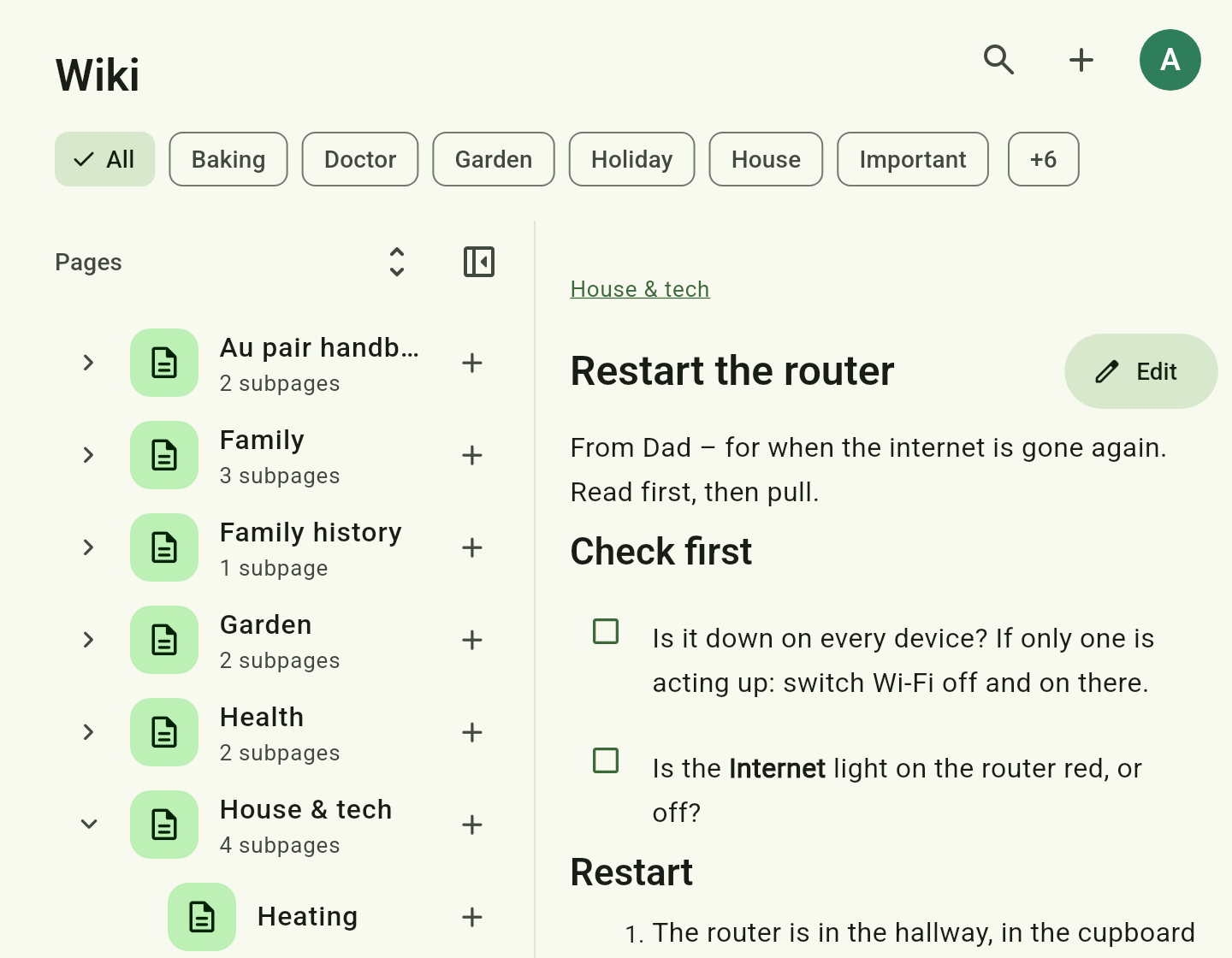
Pages in a tree
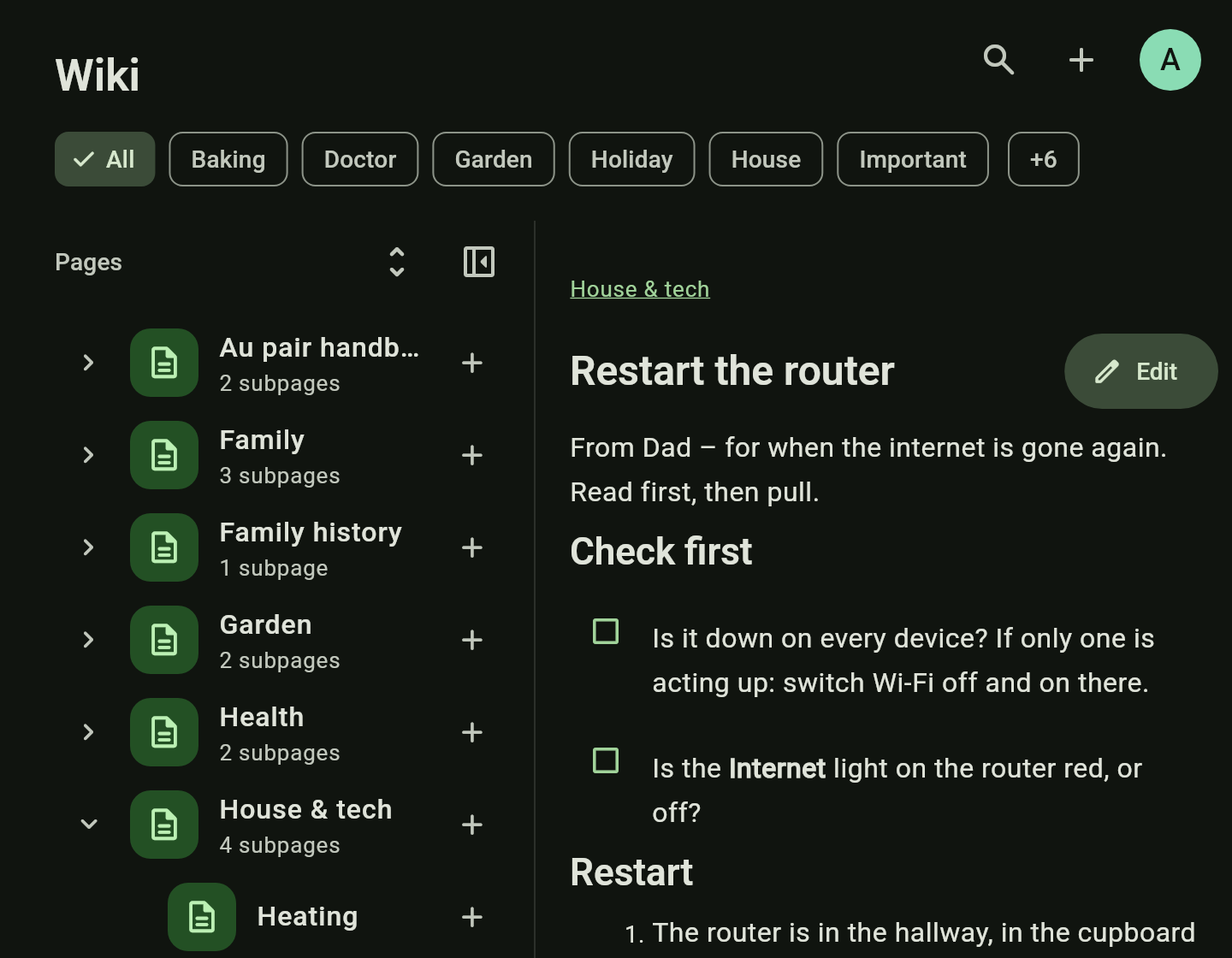
Nested as deep as you like, rearranged by dragging. You write a page as it will read — headings, lists, checkboxes and images look as they do on the page — or as its Markdown, one tap away in the toolbar. Several images in a row are shown as a stack you can swipe through.
Links
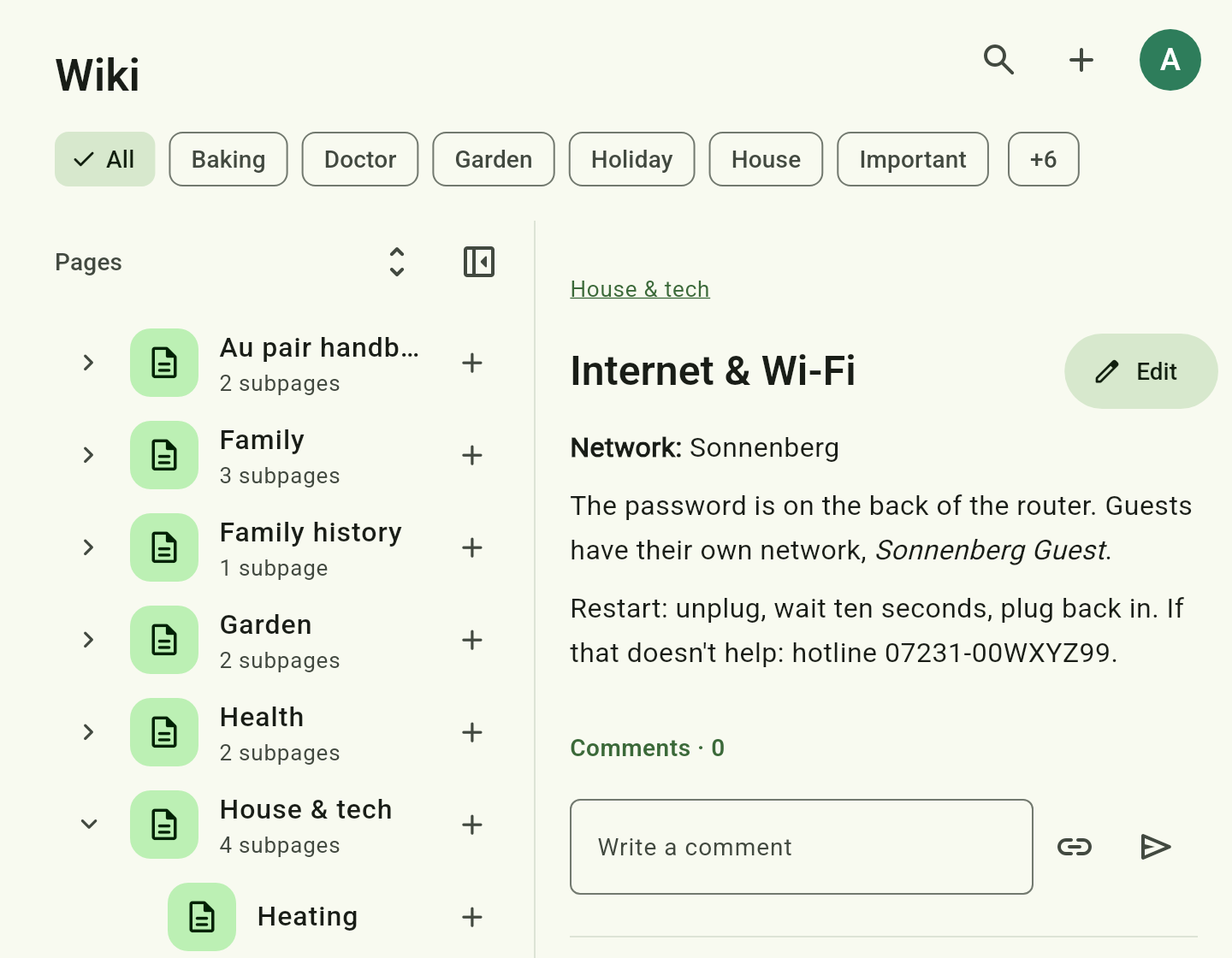
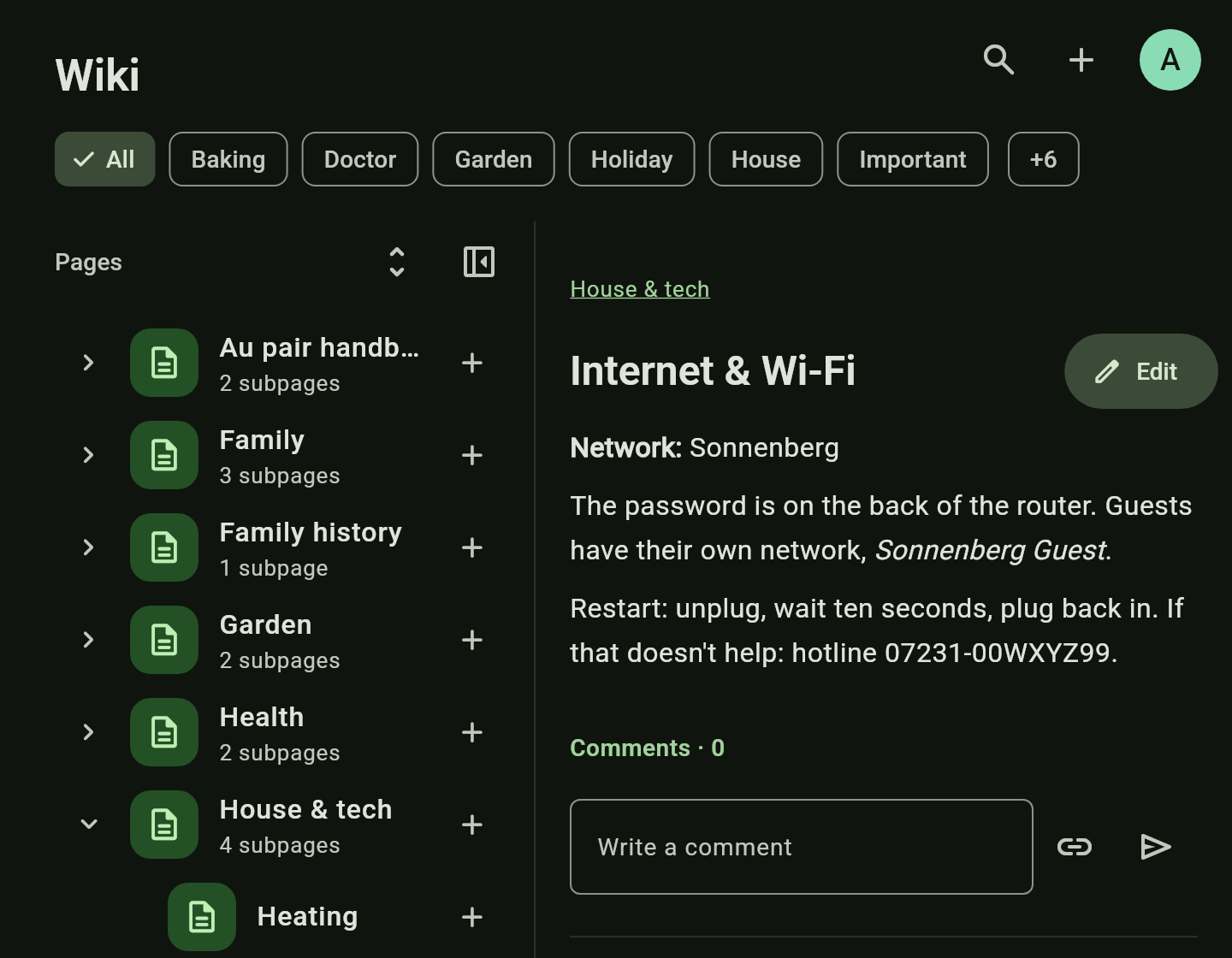
Type # and a number or a title to link another page, a task, a list or an event. The link shows as a chip with a preview.
Recipes
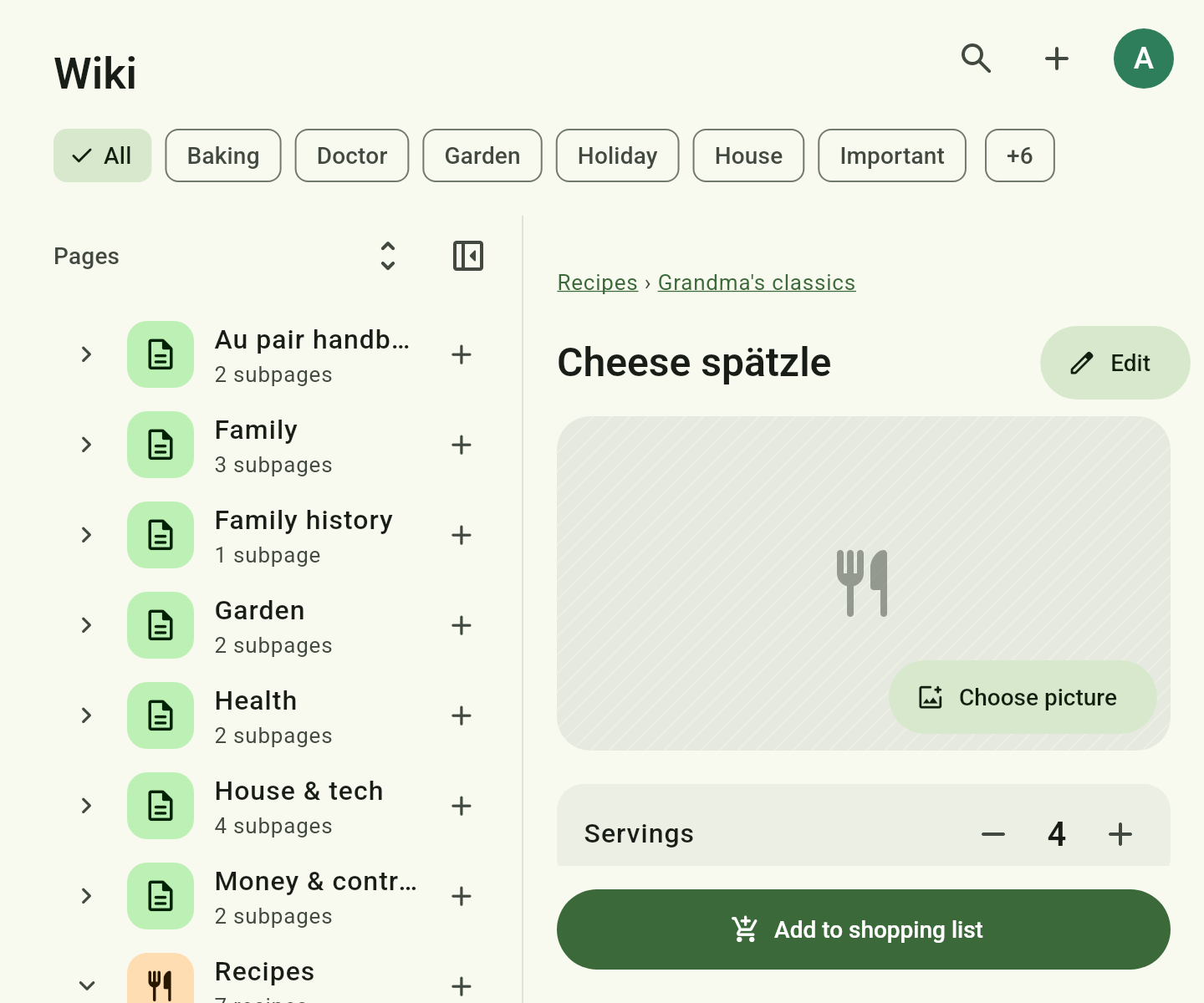
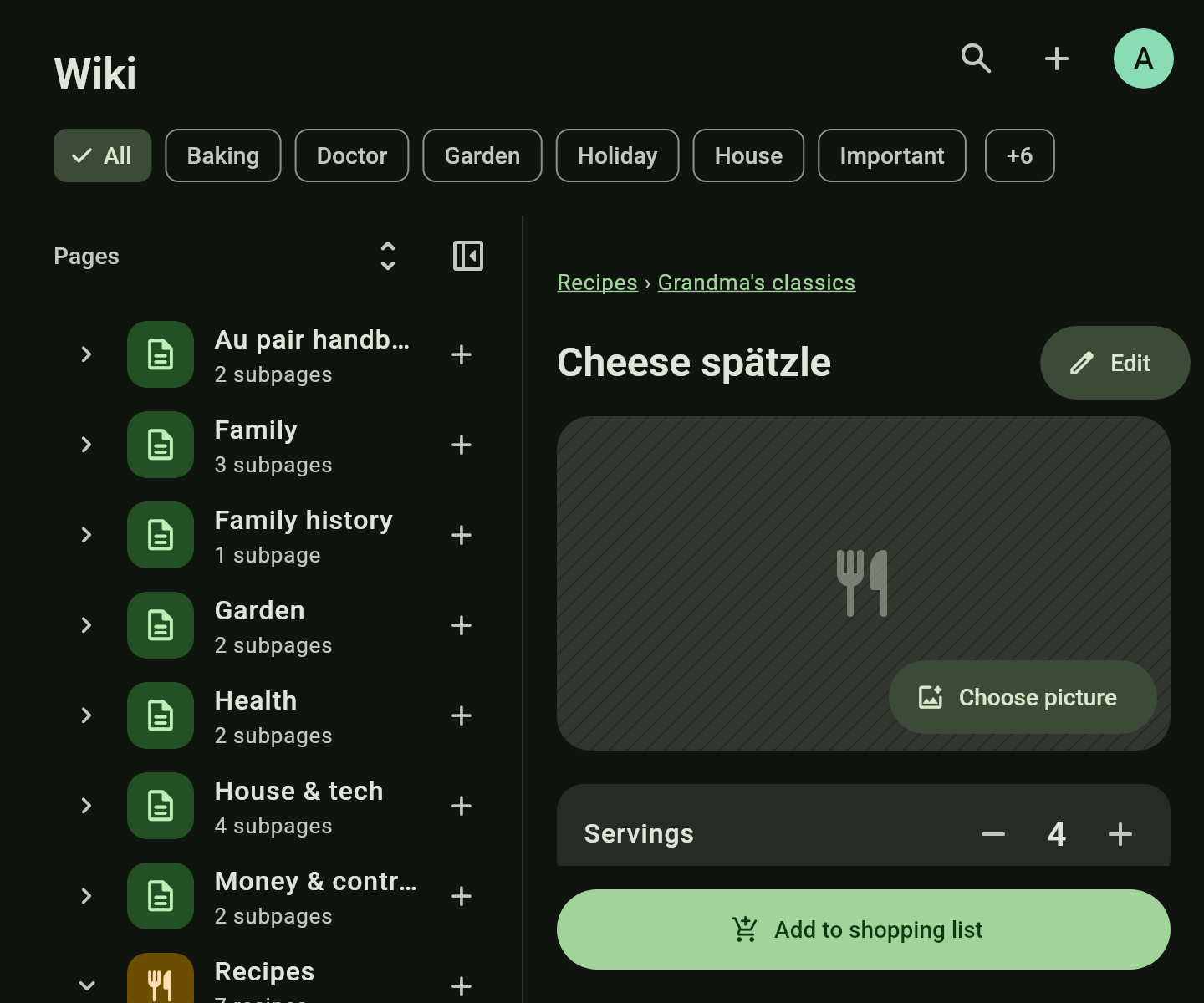
The servings are set with −/+, and the ingredient amounts adjust. The preparation sits below, with images.
Onto the shopping list
“Add to shopping list” takes the ingredients with their scaled amounts. Pantry staples such as salt or oil are already deselected.
A recipe from a web page
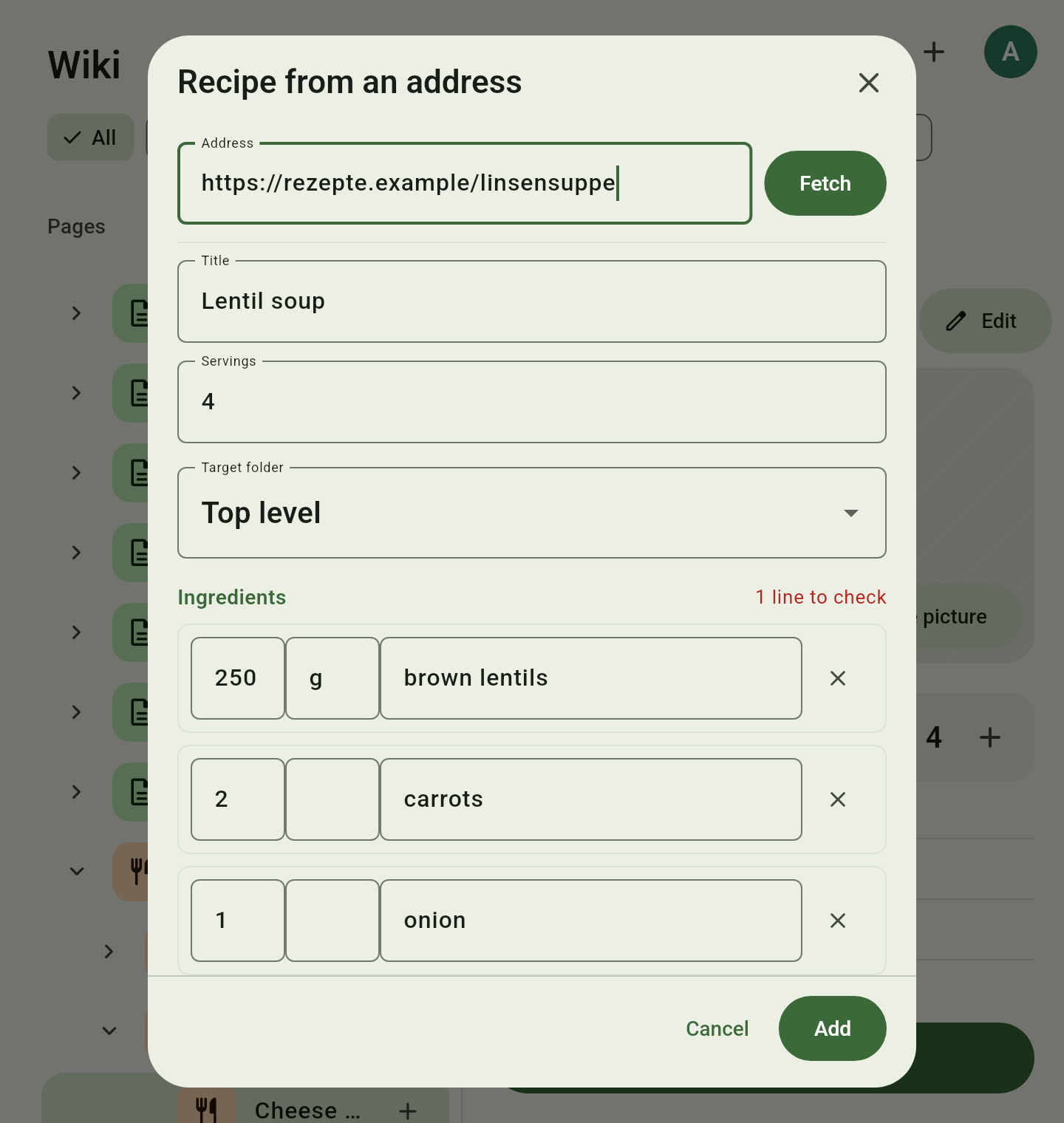
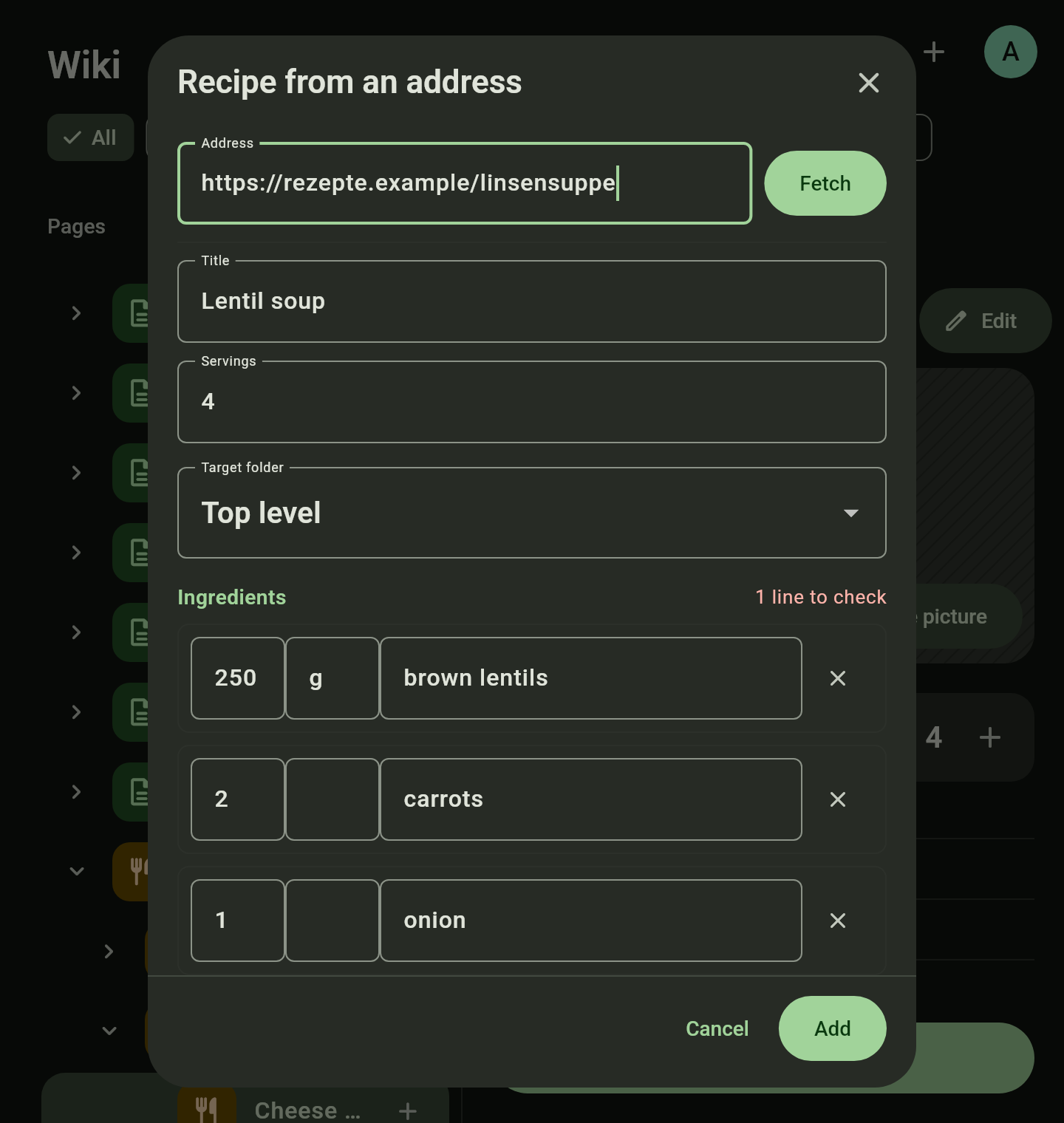
The server fetches a recipe from an address. Before saving, a review screen marks what it could not read with certainty.
History
Every save creates a version. Every version can be looked at and restored.
How to
Create pages and link them
- In the page tree tap + where the page should go and enter a title.
- Tap Edit. The text becomes editable as it reads, with the toolbar above it; its first button switches to the Markdown source and back.
- Type
#and the start of a title or a number such asWIKI-3. Pick a suggestion to set the link. - Save. Pages are saved when you tap save and when you leave, not while you type.
Shop a recipe
- Open a recipe and set the servings with −/+.
- Tap Add to shopping list.
- Pick the list and check the ingredients. Deselect what you already have.
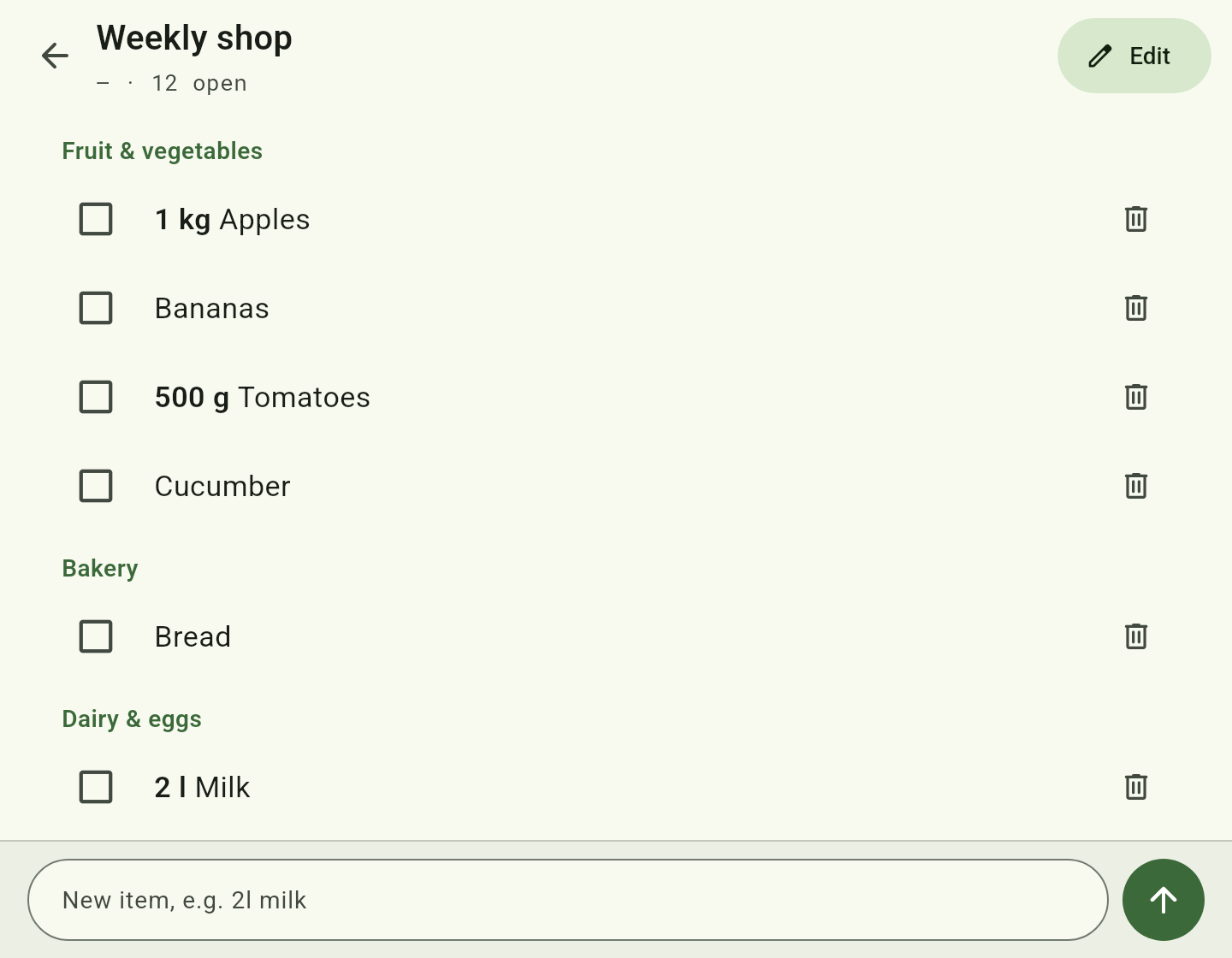
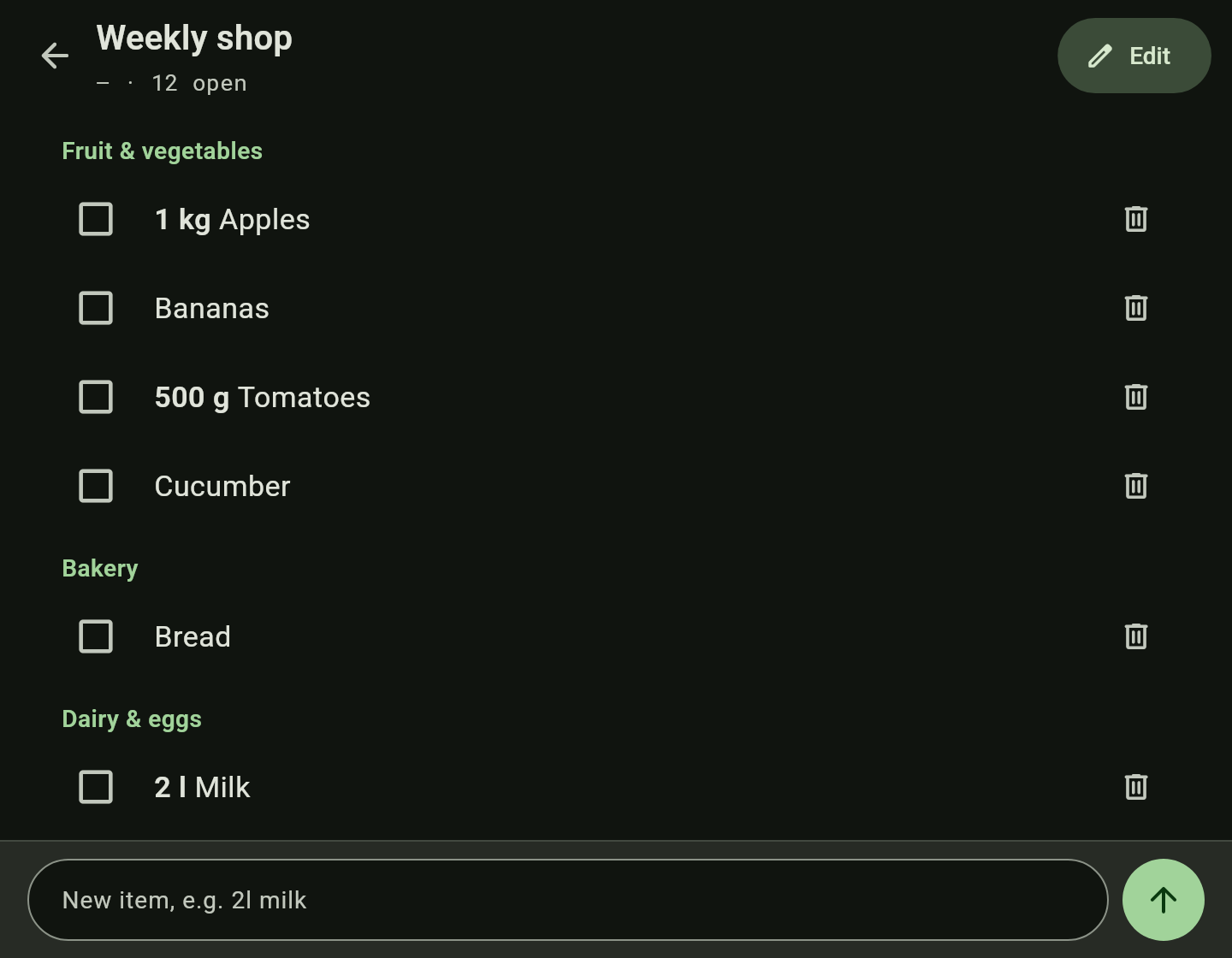
- Add — the ingredients are on the list, in their categories.
Import a recipe from a web page
You need: a server.
- In the page tree tap + on a recipe collection, then Import recipe.
- Paste the address of the recipe page and tap Fetch.
- Check title, image, servings and ingredients. Lines read with uncertainty are marked and can be corrected.
- Check and add.
Good to know
- Pages are stored as Markdown, whichever way you write them. Whether texts open formatted or as Markdown is set in Account → Customize.
- Recipe import and the history need a server; images work without one.